Welcome to JuggleBoard Help
Kia ora. We built JuggleBoard so busy families stop missing things: Mufti Day, the trip permission slip, the early finish on Friday. These pages show you how everything works.
Schools and early learning centres
JuggleBoard works the same way for schools and early learning centres (daycares and kindergartens). The app calls them all "schools", so buttons like Select Schools and School Notices cover your centre too.
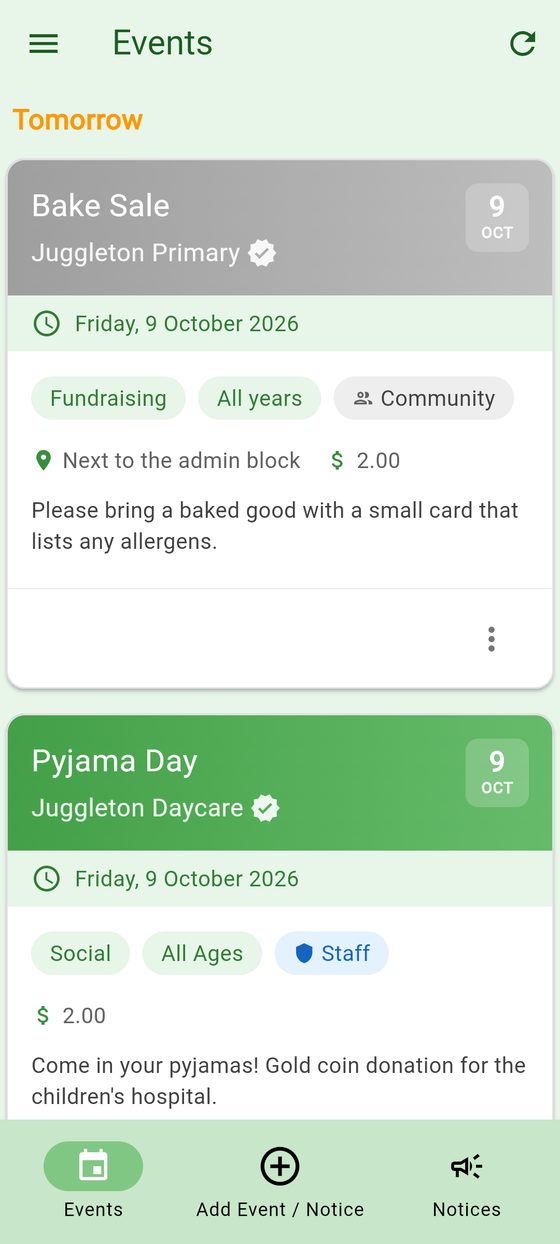
New to JuggleBoard?
- Get started: sign in and add your first school.
- Choose your schools and centres: find, join and leave schools and early learning centres.
Using JuggleBoard
- Events: read, add and change events.
- Notices: school notices, and posting your own.
- Reminders: get a reminder the day before.
- Report an absence: let the school know your child is away.
- Call or email your school or centre: the office's phone number and email.
- Your account: settings, signing out and deleting your account.
- Questions and fixes: answers to common problems.
For schools and centres
- Information for schools and centres: get set up and use the admin portal.
- Edit school details: contact details, access levels and year level names.
Can't find what you need? Email support@juggleboard.com and we'll help.