Notices
Notices are news from your schools and centres that isn't tied to a date: lost property, permission slip reminders, newsletters, a change to pick-up. Tap Notices at the bottom of the screen to see them, newest first.
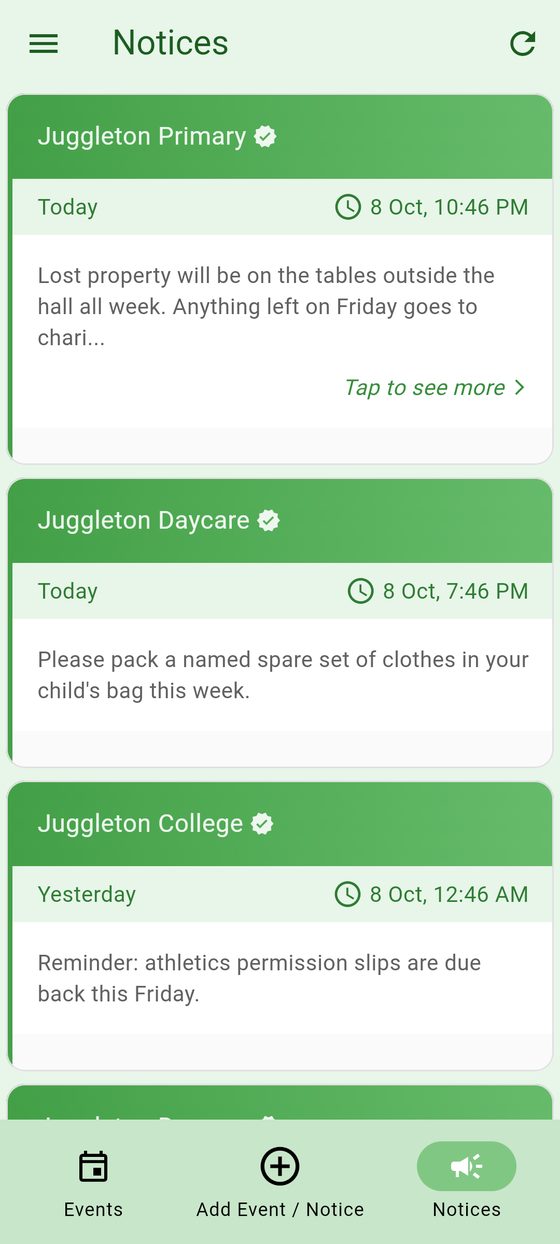
Long notices show Tap to see more; tap to read the whole thing.
Notices from Premium schools and centres have a verified badge. Notices from parents are marked Community Notice. If a notice breaks the community guidelines, tap the flag to report it.
Post a notice
Some schools and centres let parents post notices. If yours does:
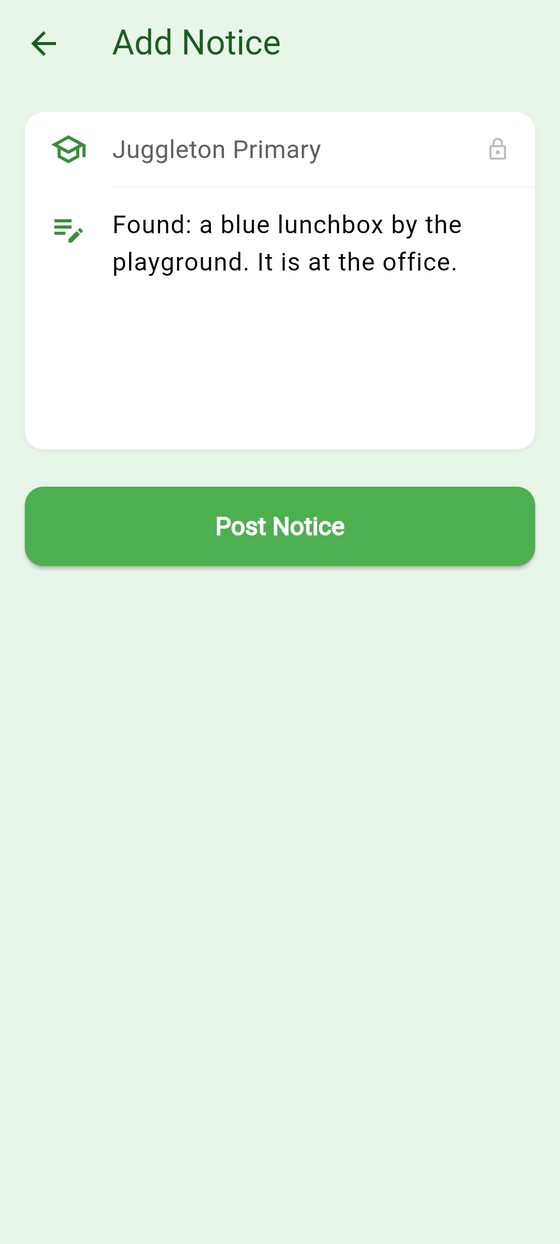
- Tap Add Event / Notice, then Notice.
- If you belong to more than one, choose which school or centre it's for.
- Write the notice. Keep it short.
- Tap Post Notice.
To remove a notice you posted, tap the bin icon on it.