Call or email your school or centre
Every school's and centre's phone number and email address, in one place.
- Open the ☰ menu.
- Tap Call or email.
- You'll see each of your schools and centres with its contact details.
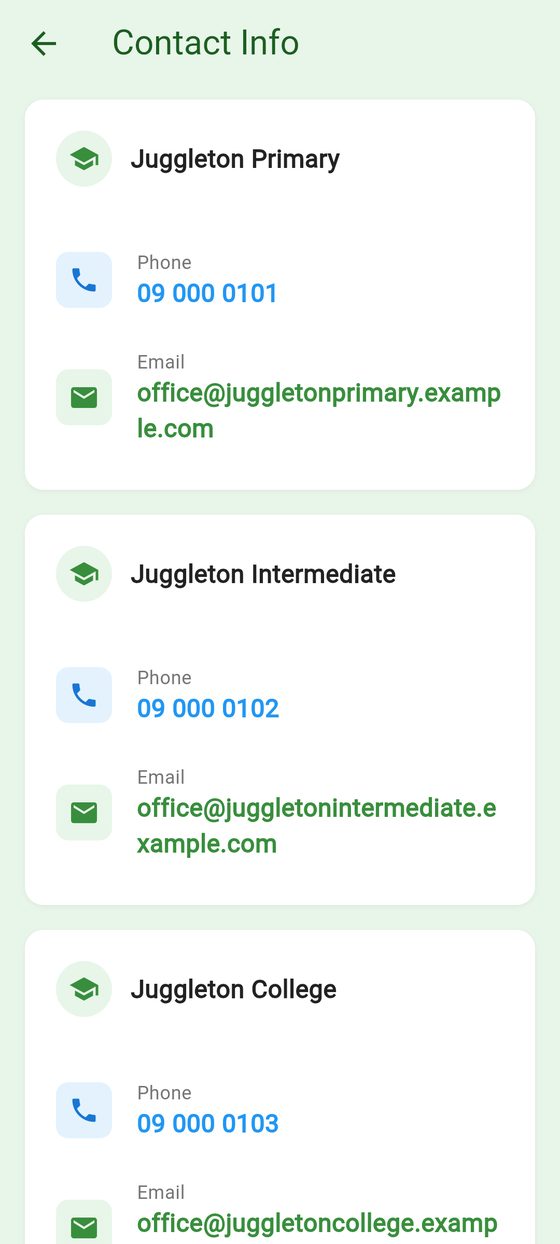
- Tap the phone number to call.
- Tap the email address to start an email to the office.
Some add instructions for calling, e.g. "Press 1 for absences". These show in an orange box under the phone number.
Details only appear once the school or centre has added them. If something's missing or wrong, let the office know.
To say your child is away, use Report an absence.